
Document Export Styles
Doc2X offers preset styles for reflowable Word exports that support templates. When exporting parsing or translation results, you can choose a preset style with fonts, colors, and body indentation suited to academic papers, business proposals, technical documents, and more. You can also adjust formatting after export to meet your document's requirements.
Where to choose
On the preview page of a parsing or translation result, click "Export", then:
- Select Word format. If "Word layout" (Word 排版) is shown, set "Page layout" (页面排版) to "Reflowable layout" (流式排版). If the reflowable option is disabled, the templates below are unavailable.
- Expand the initially collapsed "Advanced parsing settings" (高级解析配置) and choose a style under "Word template" (Word 模板). Both parsing and translation exports use these labels.
"Word template" is available for eligible v3 results. The selector is hidden when "Preserve PDF layout" (保留 PDF 版式) or "Preserve original image layout" (保留原图版式) is selected.
Word export styles are now available; PDF export styles are under development.
Word Document Export Styles
The following 6 preset templates apply to reflowable Word exports. They share the same layout conventions (centered images and tables, consistent list alignment, compatibility with Word's style editor) and differ in fonts, colors, and body indentation. The table below helps you choose quickly:
The selector uses the labels 通用 (General), 学术 (Academic), 商务 (Business), 技术文档 (Technical), 优雅 (Elegant), and 极简 (Minimal), alongside 默认线上模板 (Default online template).
| Style | Best for | Fonts (Latin / CJK) | Characteristics |
|---|---|---|---|
| General | General reports, documentation | Noto Serif / Source Han Serif | Serif fonts, blue headings, a safe default |
| Academic | Papers, course reports, theses | Times New Roman / SimSun | Classic academic layout, three-line tables, red headings |
| Business | Business plans, proposals, pitches | Inter / Source Han Sans | Sans-serif, navy headings, clean and crisp |
| Technical | Specs, API docs, engineering notes | Noto Sans / Source Han Sans | Compact sans-serif, teal headings, high density |
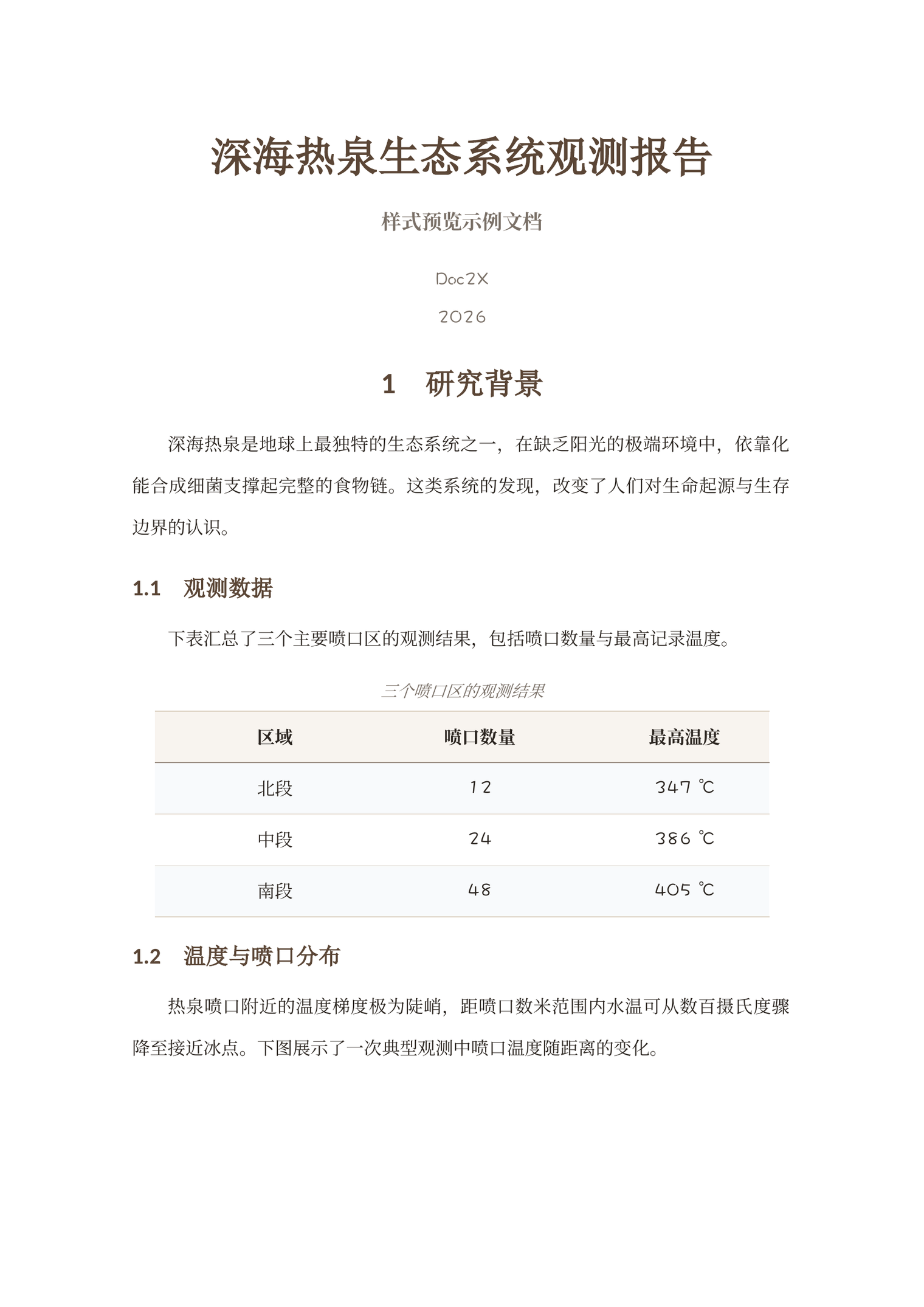
| Elegant | Long articles, e-books, in-depth reports | EB Garamond / Source Han Serif | Serif, golden-brown headings, a publishing feel |
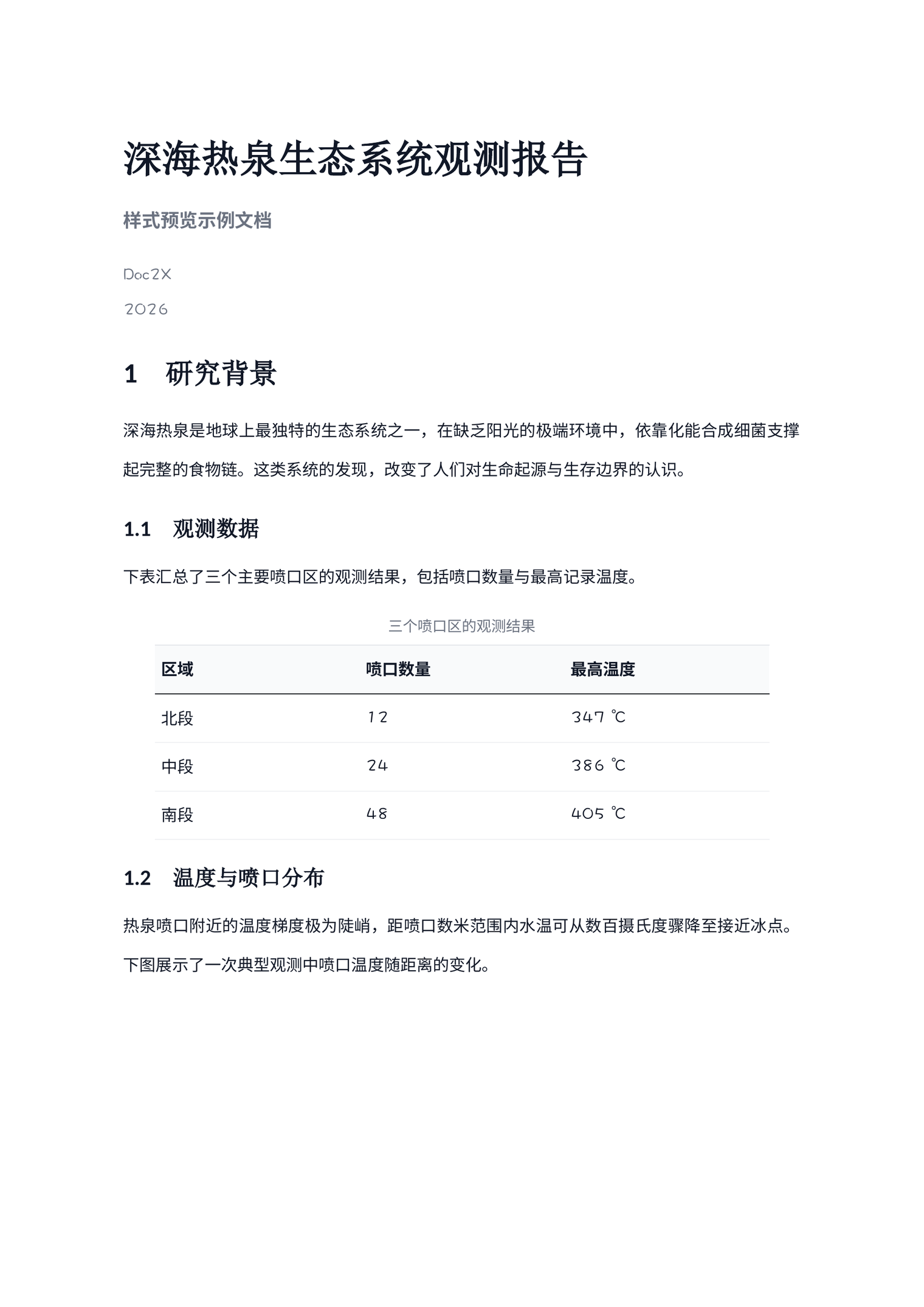
| Minimal | Printing, black & white, minimalist look | Inter / Source Han Sans | Pure black & white, minimal and restrained |
CJK vs. Western layout
The styles fall into two layout conventions: CJK layout (General, Academic, Elegant) indents the first line of each paragraph by 2 characters, matching Chinese reading habits; Western layout (Business, Technical, Minimal) uses no first-line indent and separates paragraphs with spacing, which suits sans-serif and mixed CJK/Latin text.
Style Preview
General — General reports
Serif fonts with blue headings and a 2-character first-line indent. When in doubt, this is the safe choice.
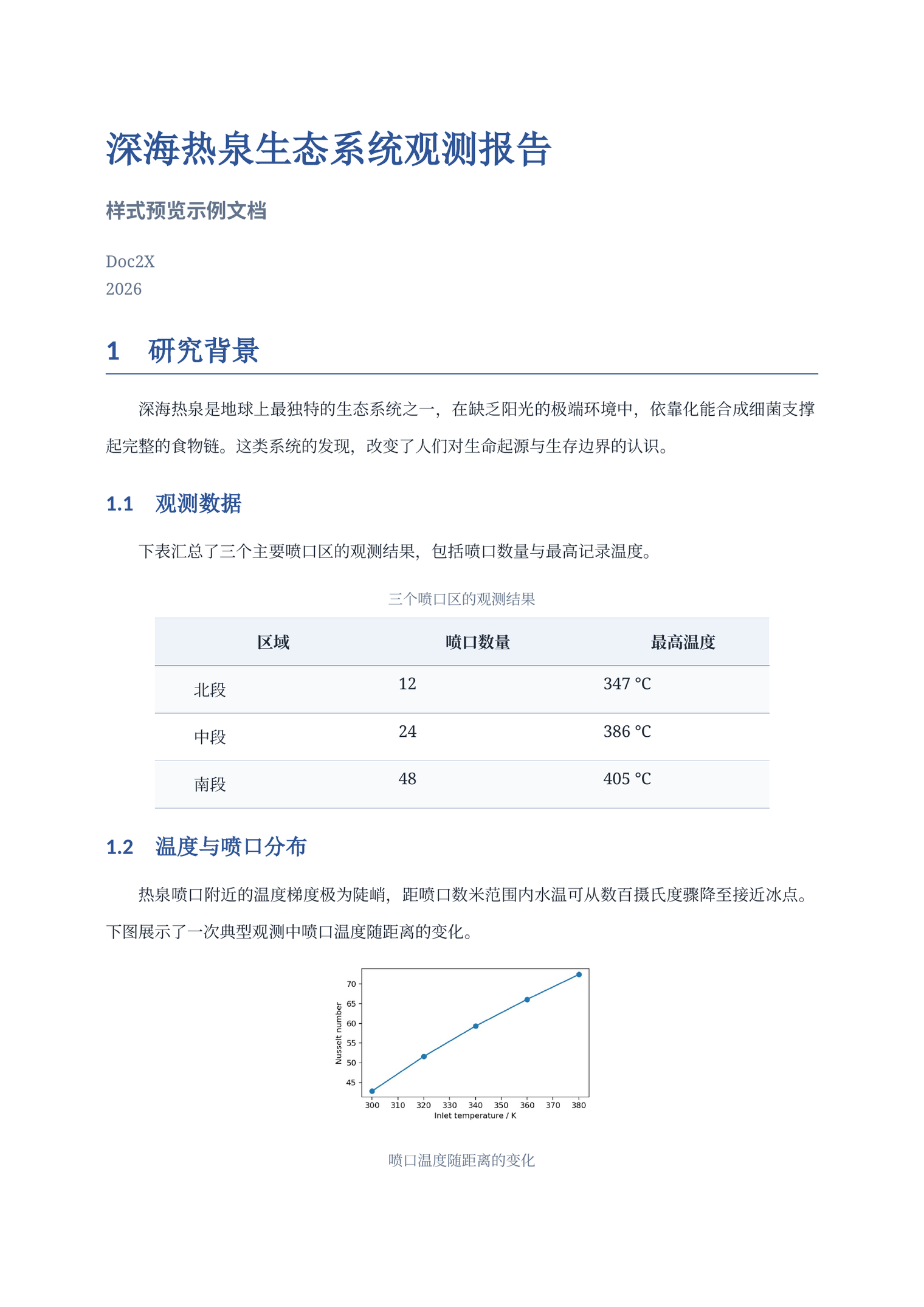
Academic — Papers and theses
Times New Roman paired with SimSun, 12pt body text, red headings, and three-line tables — matching Chinese academic paper conventions.
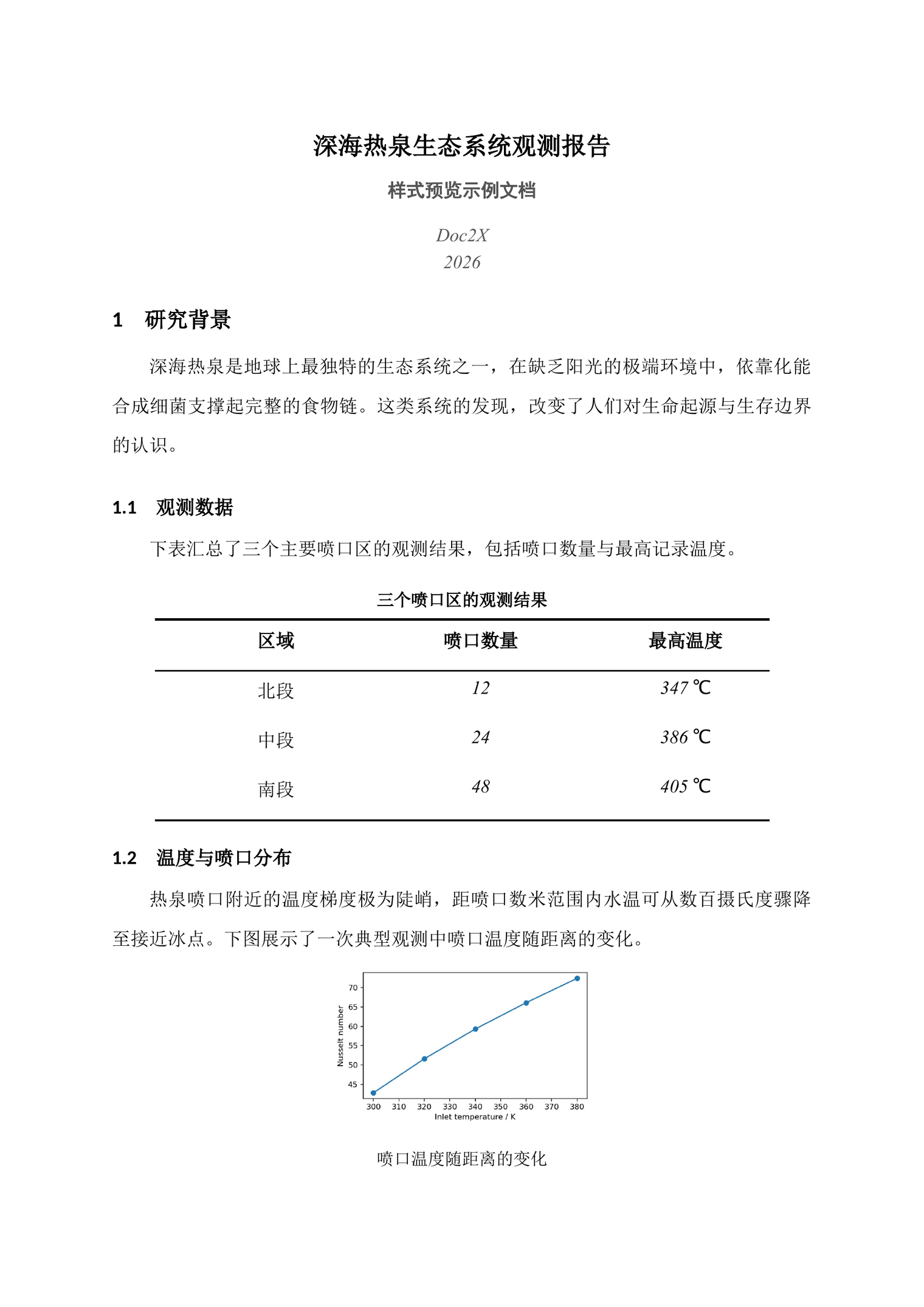
Business — Proposals and pitches
Inter sans-serif with navy headings. Body text has no indent and is separated by paragraph spacing, for a professional, crisp look.
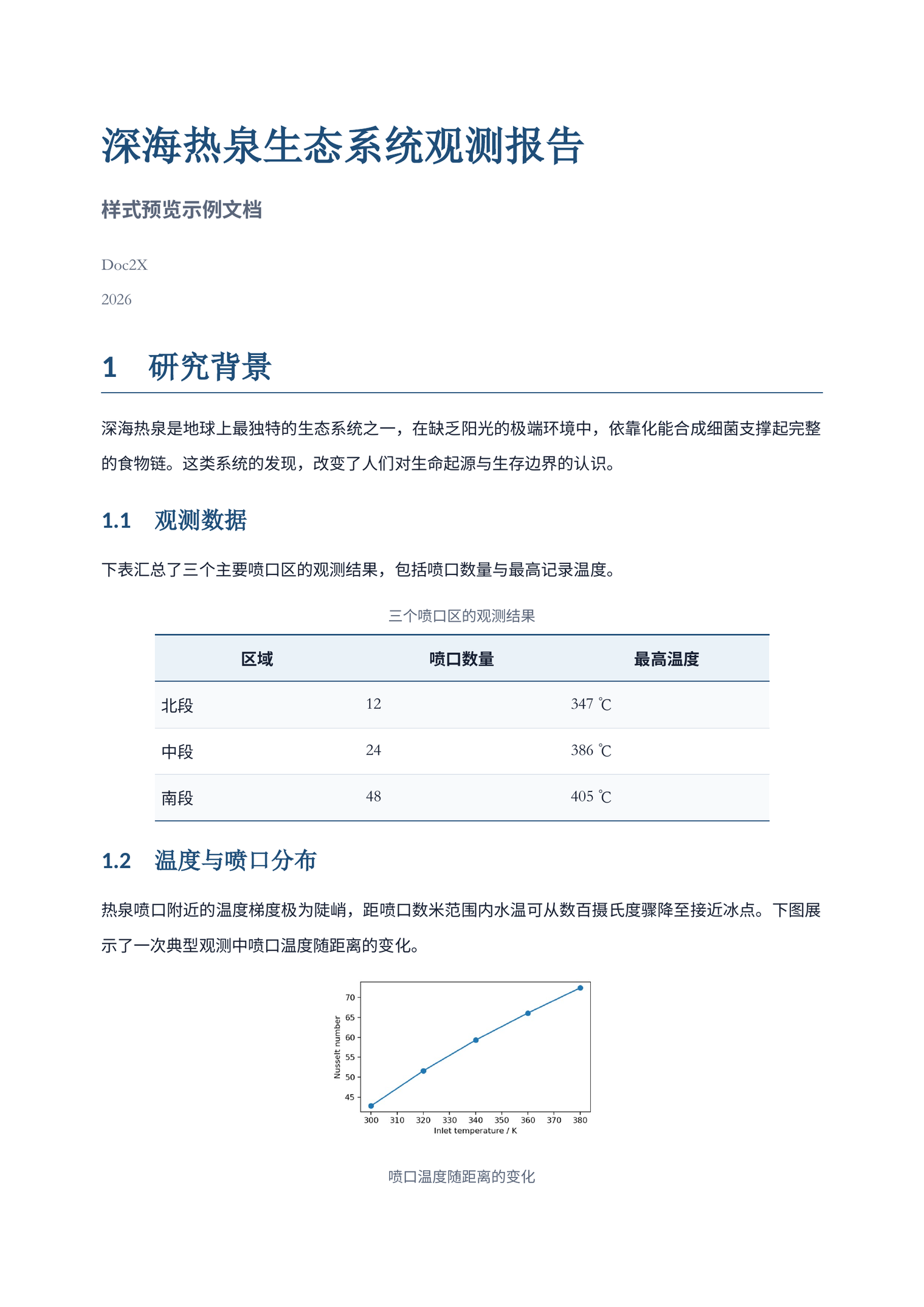
Technical — Technical and API docs
Noto Sans sans-serif, 10pt compact body text, teal headings, and high information density — ideal for long technical content.
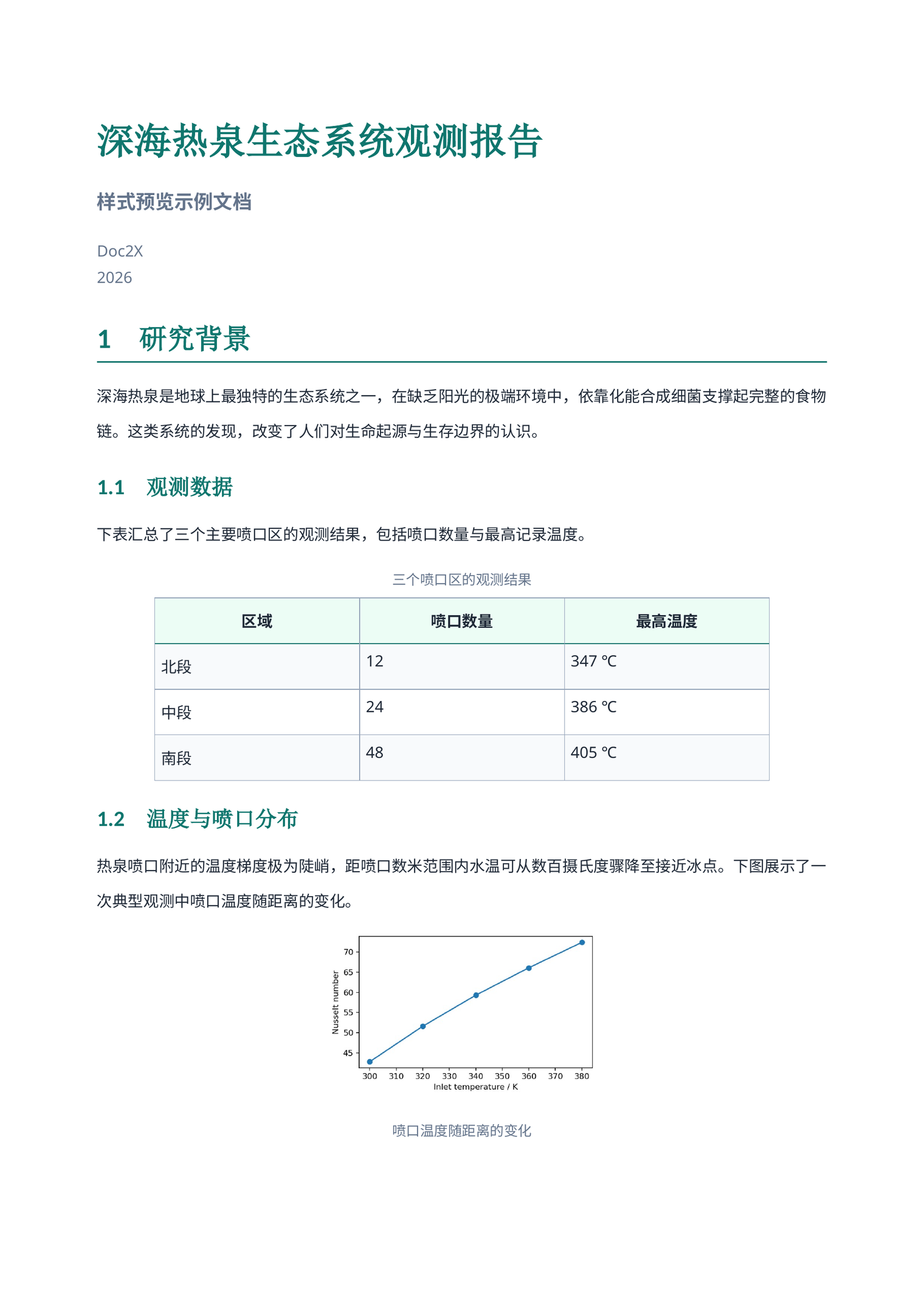
Elegant — Long articles and e-books
EB Garamond paired with Source Han Serif, golden-brown headings, and a 2-character first-line indent — a book-publishing feel.
Minimal — Black & white and printing
Inter sans-serif, pure black & white with no color accents — minimal and restrained, suited to printing or a neutral look.
Shared Layout Conventions
When using the templates above for reflowable Word export, the styles follow these layout conventions:
- Centered images and tables: Images, image captions, whole tables, and table captions are all centered automatically.
- Consistent list alignment: Multi-level lists use uniform indentation; wrapped lines align to the first character of the list item, keeping nesting levels clear.
- Consistent body layout: The first paragraph after a heading or list keeps the same indentation and line spacing as the following paragraphs, so long documents read smoothly.
- Works with Word's style editor: Exported files use properly named styles, so you can customize styles in Word and adjust the formatting of the whole document at once.
PDF Document Export Styles
Under active development — stay tuned
PDF document export styles are under active development. Stay tuned.